For more information on CloudApper AI TimeClock visit our page here.
Government contractors have always lived with the knowledge that their labor records could be audited. Defense Contract Audit Agency reviews, GSA schedule audits, inspector general investigations — the common thread is that billable hours need to be accurate, attributable, and verifiable. Not approximately right. Verifiable.
Most Workday deployments in this space handle the cost-center and CLIN-code allocation side of things well. Employees log time against contract line items, projects get charged correctly, and Workday’s reporting gives finance teams the visibility they need for invoicing. Where the chain breaks is at the punch itself. When a contractor employee enters hours manually, or clocks in on a mobile device without location enforcement, the record in Workday shows what the employee said happened — not what actually did.
For a commercial employer, that distinction is a payroll accuracy concern. For a government contractor working on cost-reimbursable contracts, it’s a false claims exposure.
The Audit Problem Isn’t the Spreadsheet — It’s the Source Data
Auditors reviewing labor costs on a government contract don’t just check whether the math adds up. They check whether the hours were actually worked at the locations claimed. An employee who logged eight hours on a contract site but punched in from a coffee shop down the road creates exactly the kind of discrepancy that triggers a finding — even if the work was genuinely done and the billing was accurate.
Workday’s native time tracking captures what employees enter. It doesn’t independently verify that a person was physically at the contract site when the punch occurred. For organizations in commercial industries, that’s an acceptable gap. For firms subject to FAR Part 31 cost principles, the Defense Contract Audit Agency, or state-level contract oversight, it isn’t.
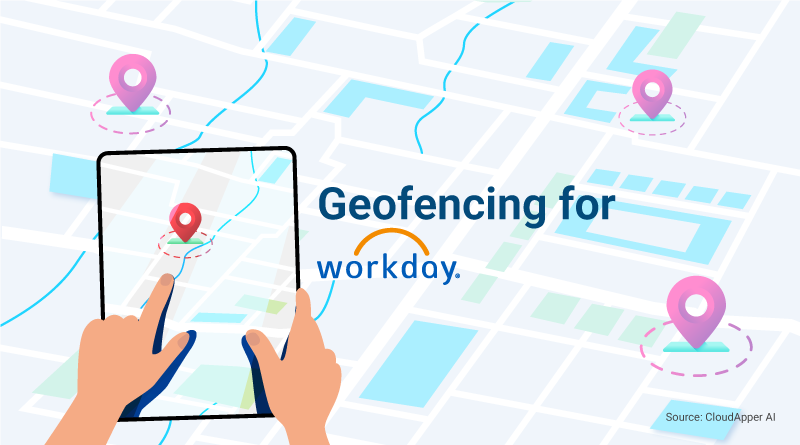
Geofencing changes the audit posture. When the time clock only accepts a punch from within the defined boundary of a contract work site, every record in Workday carries embedded location verification. The punch isn’t an attestation — it’s a confirmed, GPS-stamped event tied to a specific place and time.
How CloudApper AI TimeClock Adds This Layer to Workday
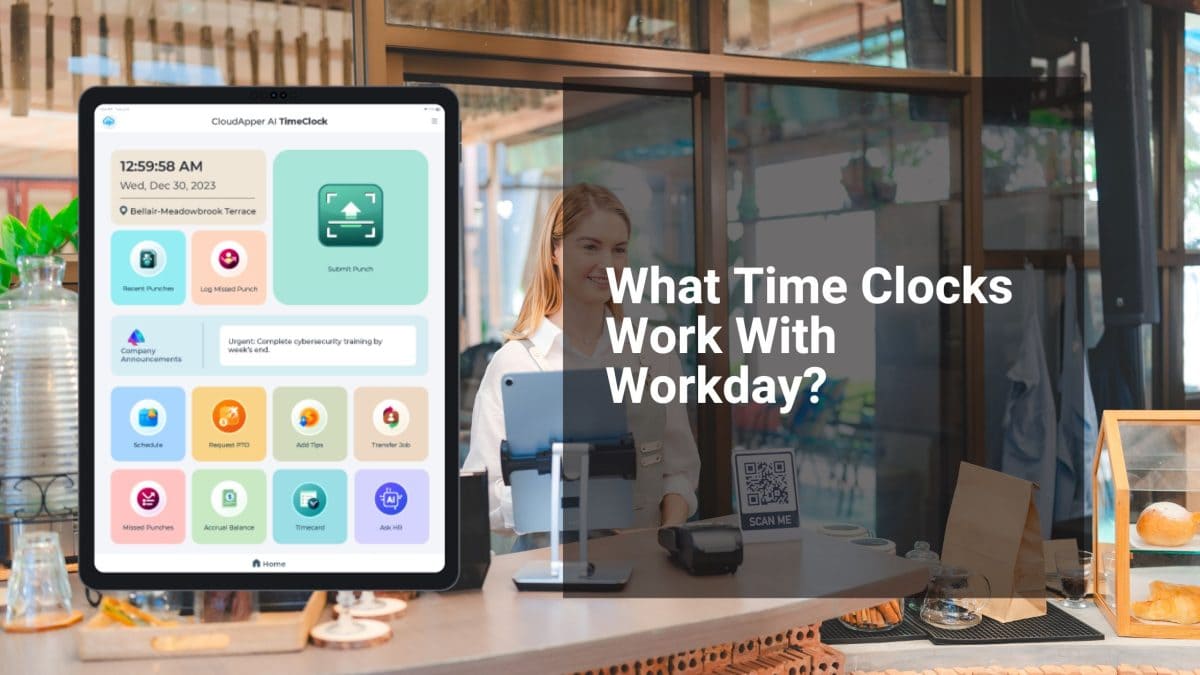
CloudApper AI TimeClock for Workday runs on a standard iOS or Android tablet deployed at each contract site. Employees clock in using face recognition inside the geofenced boundary. The verified punch — location confirmed, identity confirmed, timestamp recorded — syncs directly into Workday’s time tracking module.
For contractors managing work across multiple sites or task orders, different geofences can be configured for each location. An employee working at two different government facilities in the same week clocks in at each site on its own device, and Workday receives separate verified records for each. The allocation to the correct contract line item stays in Workday’s hands, where it belongs. The location verification that makes those records auditable is handled at the hardware layer before the data ever reaches Workday.
The offline capability matters here too. Sensitive facilities sometimes restrict cellular signal. Punches captured without connectivity queue locally and sync to Workday when the device reconnects — no gap in the audit trail, no need for manual correction later.
The broader case for geofencing within Workday WFM is covered in the original guide: Why Workday WFM Users Need Geofencing and How to Get It with Ease.
For government contractors, the value isn’t just operational efficiency. It’s the difference between labor records that survive audit scrutiny and records that create findings. A verified punch is a better document than an employee’s word — and for organizations billing the federal government, that distinction matters every single day.
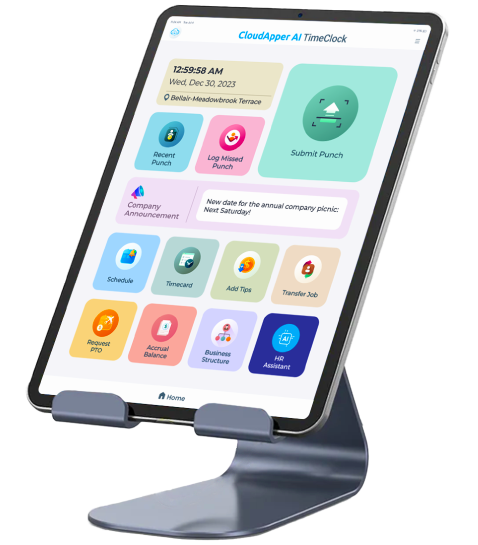
Super Efficient Employee Time Clock Kiosk Application
Cost Effective Employee Time Clock Application for
All Major HR, HCM
and Payroll
Systems