For more information on CloudApper AI TimeClock visit our page here.
Here’s a scenario that plays out more often than the lawsuits reveal: a company operating in fifteen states deploys the same Workday time clock setup at every location. IT configured it once, it integrates cleanly, and nobody touches it. Payroll runs. Nobody flags anything.
Then comes California.
California doesn’t follow federal break rules. It mandates a 30-minute meal break before the fifth hour of work — not after, not whenever. It requires a second meal break for shifts over ten hours. Rest breaks are legally distinct from meal breaks and must be tracked separately. Miss any of this consistently across a location, and the liability isn’t theoretical — California wage claims routinely run to six figures before they settle.
A time clock configured for federal FLSA compliance doesn’t automatically cover California law. Or New York’s spread-of-hours rules. Or Washington’s mandatory rest break tracking. Each state has its own specifics, and a static hardware clock — or a Workday integration configured once and left alone — enforces whatever rules it was set up with, not the ones that apply where it’s physically located.
This is exactly the scenario this breakdown of Workday-compatible time clocks matters for — not just whether a clock integrates with Workday, but whether it can apply location-specific rules at the device level, per site, without requiring separate hardware or a fresh IT project for every state.
Software-based tablet clocks configured through a no-code platform can carry different rule sets per location. CloudApper AI TimeClock for Workday does this — the California location enforces California break rules at the punch, triggers the right attestations, and logs the data Workday needs for compliance reporting. The Texas location runs its own config. Same platform, different rules, no hardware change.
One time clock that does the same thing everywhere sounds efficient. In a multi-state operation, it’s a compliance gap waiting to be found.
AI audit — remaining tells:
- “plays out more often than the lawsuits reveal” is good — specific and grounded
- “Miss any of this consistently across a location” — “consistently” is slightly hedging; cut it
- “not theoretical — California wage claims routinely run to six figures before they settle” — strong, keep
- The middle section is slightly listy in rhythm; could use one more varied sentence
- Closing line lands well — punchy without being slogan-y
Final version:
One Workday Time Clock Config. Multiple States. One Quiet Compliance Problem.
Here’s a scenario that plays out more often than the lawsuits reveal: a company operating across fifteen states deploys the same Workday time clock setup at every location. IT configured it once, it integrates cleanly, nobody touches it. Payroll runs. No flags.
Then comes California.
California doesn’t follow federal break rules. It mandates a 30-minute meal break before the fifth hour of work — not after, not whenever. A second meal break kicks in for shifts over ten hours. Rest breaks are legally distinct from meal breaks and must be tracked separately. Miss any of this at a California location, and the exposure isn’t abstract. Wage claims in California routinely reach six figures before settlement — and the employer’s defense of “that’s how our system was configured” has never once held up.
A time clock set up for FLSA compliance doesn’t automatically cover California law. Or New York’s spread-of-hours rules. Or Washington’s mandatory rest period tracking. Each has its own specifics, and a static hardware clock — or a Workday integration that was configured once and never revisited — enforces whatever rules it was originally built around, regardless of where it’s physically running.
This is the practical question a real comparison of Workday-compatible time clocks needs to answer: not just whether the clock syncs with Workday, but whether it can carry different rule sets per location — without separate hardware or a new IT project per state.
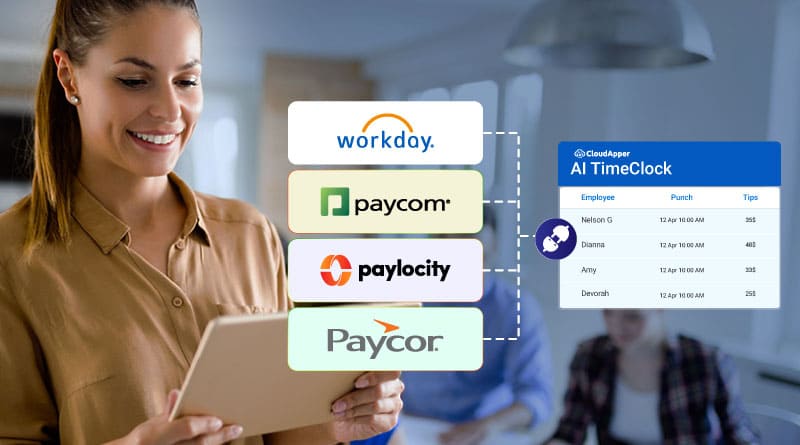
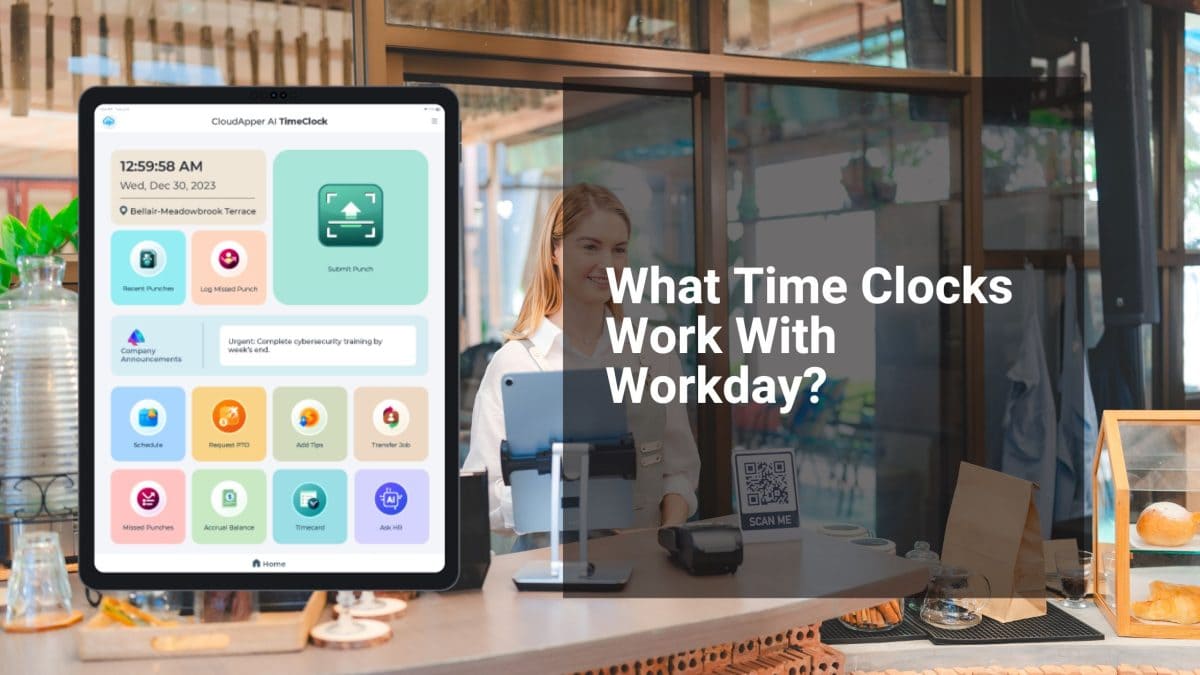
Software-based tablet clocks built on a no-code platform can do this. CloudApper AI TimeClock for Workday applies location-specific break enforcement, attestation prompts, and compliance logging at each site individually — the California clock runs California rules, the Texas clock runs its own, same platform throughout.
One standardized time clock config sounds like operational efficiency. Across multiple states, it’s often just a compliance gap that hasn’t surfaced yet.
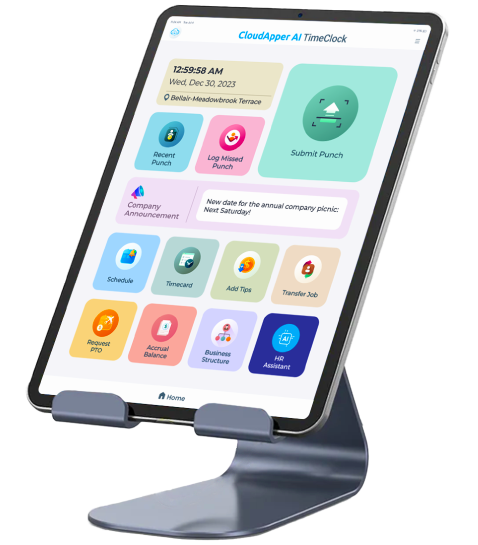
Super Efficient Employee Time Clock Kiosk Application
Cost Effective Employee Time Clock Application for
All Major HR, HCM
and Payroll
Systems