For more information on CloudApper AI TimeClock visit our page here.
Hospitality payroll has a compliance layer that most other industries don’t deal with: tipped employees. And the rules around tipped employees — federal tip credit, state minimum wage floors, tip pooling documentation, dual-job tracking — are specific enough that getting them wrong doesn’t just mean a payroll correction. It means wage claims.
Most Workday time clock conversations focus on facial recognition and hardware costs. That’s fine for a warehouse. For a hotel group with 200 tipped workers spread across a restaurant, a bar, room service, and banquet operations, the real problem is that your time clock has no idea which role an employee is working when they punch in — and that distinction changes what they’re legally owed.
Why Hospitality Breaks Generic Time Clock Logic
A banquet server at your property might work Tuesday lunch in a tipped capacity and spend Thursday morning setting up for a conference in a non-tipped role. Under the FLSA’s dual-jobs rule, hours in the non-tipped role can’t be covered by the tip credit — they have to be paid at full minimum wage. If your time clock just captures a punch without capturing the role, your payroll team is guessing. Or missing it entirely.
Multiply that across a 300-room hotel with food and beverage, housekeeping, front desk, and banquet operations — all with different pay structures, some tipped, some not — and you have a data accuracy problem baked into every pay period.
There are three places this breaks down in practice:
Role splits within a single shift. An employee moves from a tipped role to a non-tipped task. Without role capture at the transition, the tip credit applies to hours it legally can’t cover.
Multi-property transfers. In a hotel group, employees frequently pick up shifts at different properties. Each property may have different tip pool structures, different state minimum wage floors, and different department codes in Workday. A punch at Property B needs to carry all of that context — not just a timestamp.
Tip pool documentation. Several states now require written tip pool agreements and detailed records of tip distribution by employee and shift. That documentation starts with clean shift-level data. If the punch record doesn’t reflect the actual role worked, the tip pool record is wrong before it’s even created.
What Role-Aware Punch Logic Actually Fixes
CloudApper AI TimeClock addresses this at the point of punch, using configurable logic built on the CloudApper AI Platform.
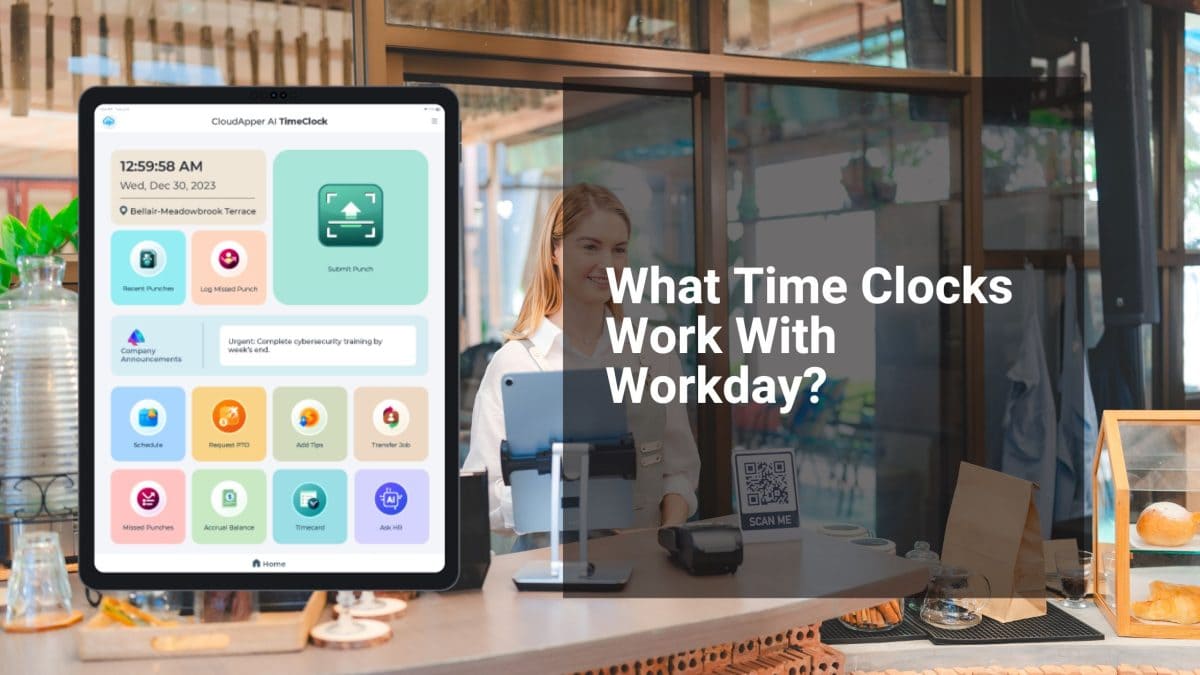
Role selection at every clock-in: When a tipped employee punches in, the interface presents their active roles from Workday — server, bartender, banquet setup, host. They select what they’re actually working. That selection drives the right pay code, tip credit eligibility flag, and department allocation — automatically, before the punch completes.
Mid-shift role transfers: When an employee transitions from a tipped to a non-tipped task during a shift, they log a transfer punch with the new role. The system splits the shift automatically in Workday, applying the correct wage rules to each segment. No manual timecard edits required.
Property-specific rule sets: Each property in a hotel group gets its own configuration — state minimum wage floor, tip pool structure, department codes, overtime thresholds. An employee picking up a shift at a sister property punches in under that property’s rules, not their home property’s. The data lands in Workday correctly regardless of where they worked.
Attestation prompts for compliance documentation: At clock-out, employees can be prompted to confirm their tip earnings for the shift, acknowledge tip pool participation, or attest to break compliance — depending on state requirements. That attestation is stored with the punch record and syncs to Workday as audit-ready documentation.
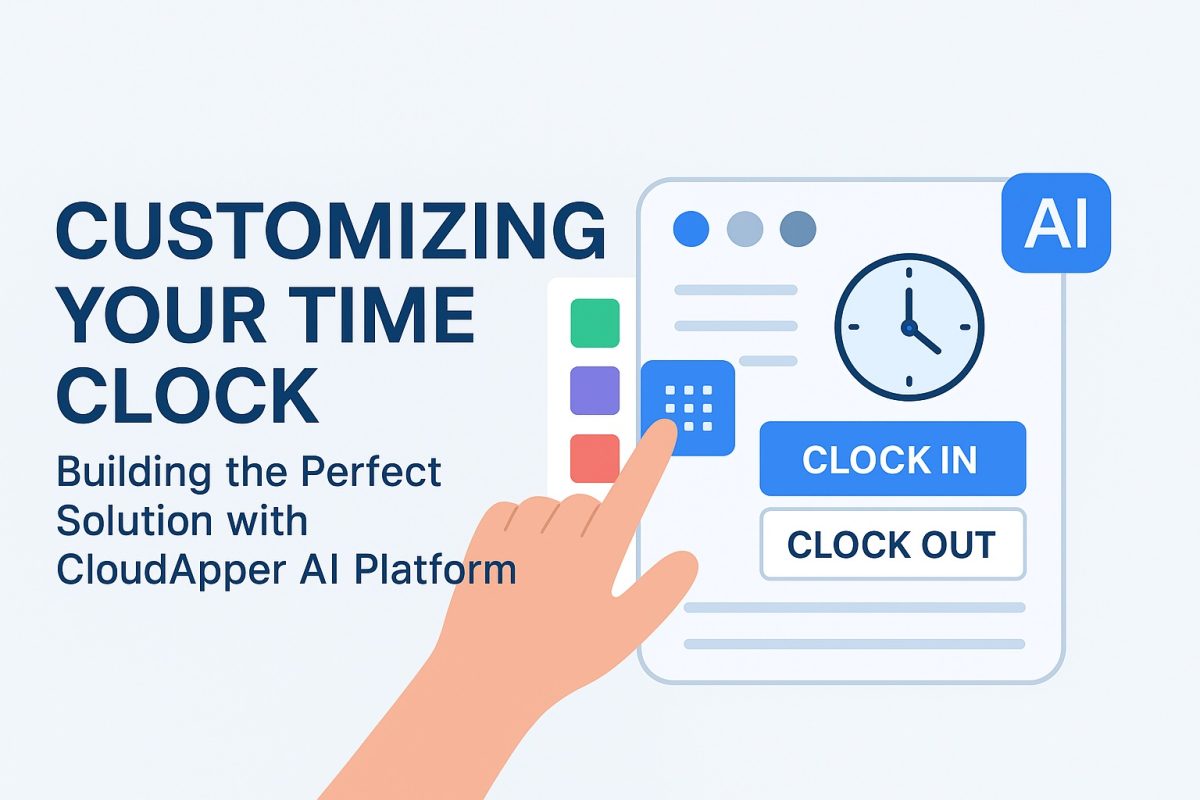
The configuration architecture behind all of this — drag-and-drop rule building, pre-built Workday API integration, no development required — is the same platform detailed in the CloudApper customization overview. Hospitality just applies it to tip credit logic and role splits instead of job costing or clinical credentials.
The Multi-Property Operational Reality
Hotel groups have an additional layer of complexity that single-location restaurants don’t: employees aren’t always where their HR record says they are. Managers cover shifts at other properties. Banquet staff float between venues. A cross-trained front desk employee picks up a room service shift during a busy weekend.
When that happens with a standard time clock, the punch either lands on the wrong property’s records or doesn’t get captured at all until someone notices the missing hours.
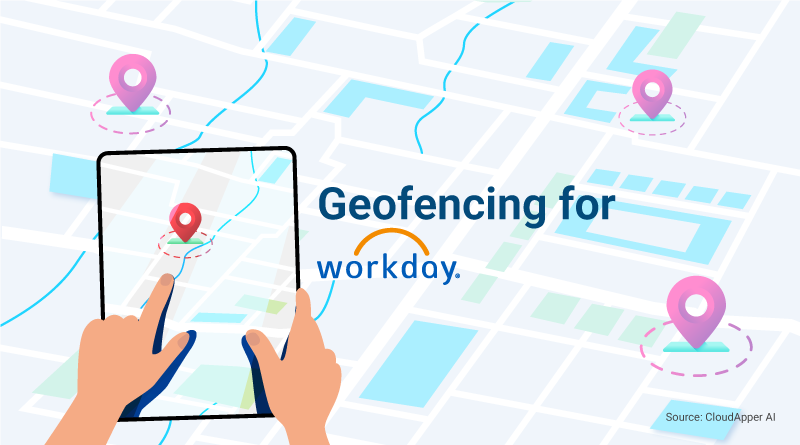
With geofencing enabled in CloudApper, each property has a defined location boundary. When an employee punches in, the system confirms they’re physically at the property associated with that punch — and routes the data to the correct cost center and entity in Workday. No manual reallocation, no inter-property correction tickets at month end.
Why Touchless Matters Specifically in Food Service
Shared-surface time clocks in food and beverage environments create real operational friction — health codes, inspection concerns, and general hygiene standards make fingerprint scanners and shared PIN pads genuinely problematic in a commercial kitchen or service corridor.
CloudApper uses touchless facial recognition on any standard iOS or Android tablet. No contact, no shared surfaces, and enrollment is automatic for anyone added to Workday — no badge to issue, no PIN to distribute, no manager required to onboard a new hire during a busy Friday dinner service.
For a restaurant group adding seasonal staff across multiple locations, that matters.
Getting This Configured for a Hotel Group on Workday
The configuration path follows the same logic as your existing payroll structure:
- Map your tipped and non-tipped roles per property: These already exist in Workday as position types. CloudApper surfaces them at the punch interface — you’re not recreating the data, you’re capturing it at the right moment.
- Define your tip credit eligibility rules by state: Federal tip credit is the floor; several states don’t allow it at all. Each property gets the right rule applied automatically based on its location.
- Configure attestation prompts per jurisdiction: States with tip pool documentation requirements get a clock-out attestation. States without don’t. Same system, different rules per location.
- Enable geofencing per property: GPS boundaries confirm location at every punch and route data to the correct entity in Workday.
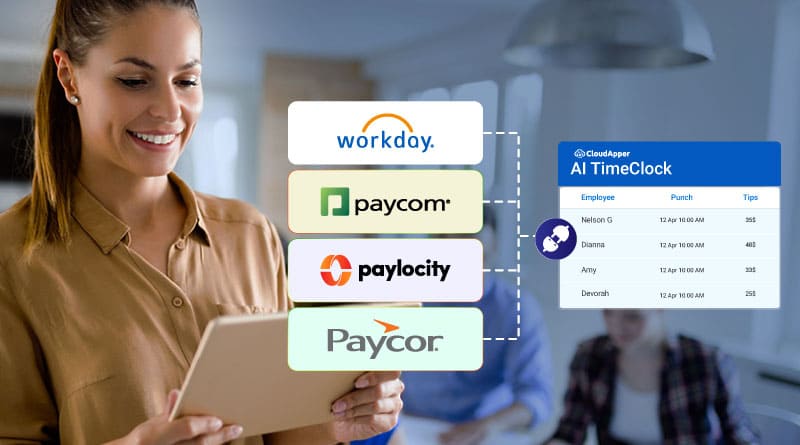
- Connect via pre-built Workday integration: Punch data, role selections, attestations, and property codes sync in real time. Certified tip credit documentation is a report pull — not a reconstruction project.
- Pilot at your highest-volume property: One full pay period with clean, role-validated data tells you exactly how many manual corrections the old system was generating and how many it isn’t anymore.
Hospitality payroll teams already manage enough complexity from scheduling, seasonal volume, and high turnover. A time clock that forces them to manually sort out tip credit eligibility and role splits after every pay period isn’t a neutral tool — it’s a liability that compounds with every property you add.
One that captures role, location, and attestation data at the punch and feeds it directly into Workday is what makes multi-property hospitality payroll actually scalable.
See how CloudApper AI TimeClock handles hospitality and multi-property Workday environments →
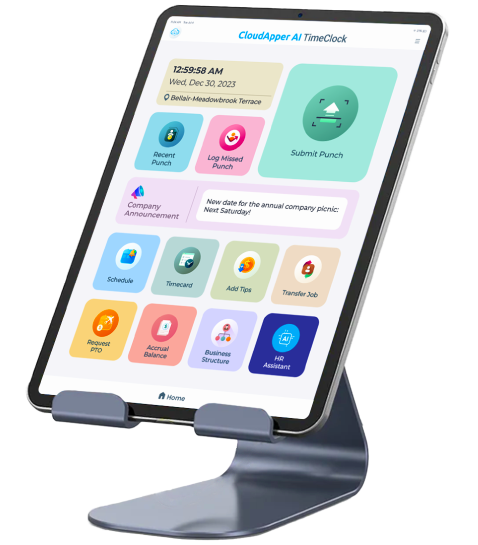
Super Efficient Employee Time Clock Kiosk Application
Cost Effective Employee Time Clock Application for
All Major HR, HCM
and Payroll
Systems